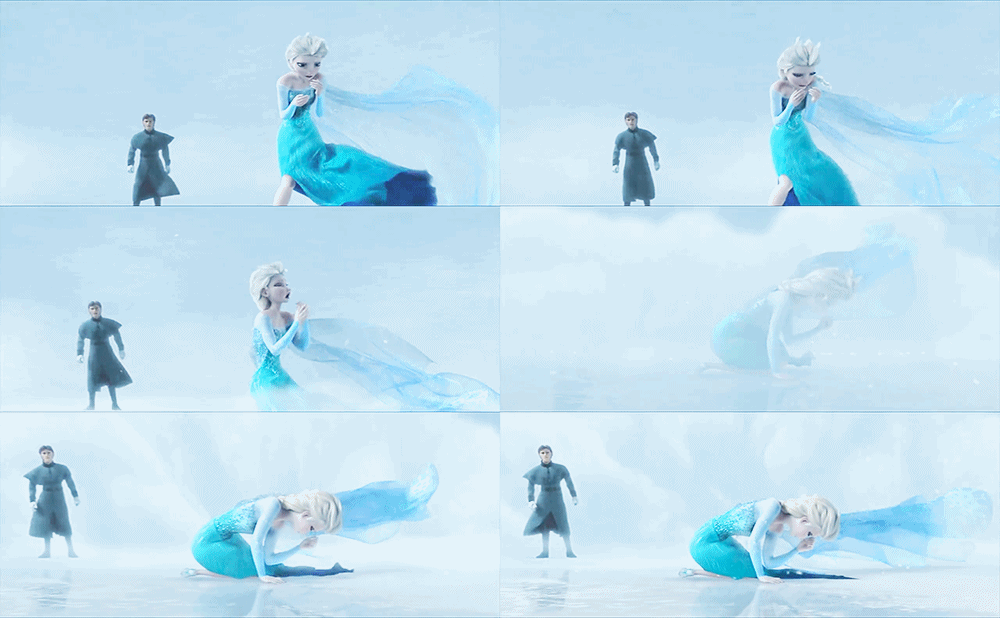
|
Hallo!

Dear,
Hello and welcome to my blog
I pour my heart and thoughts here
I love and like Frozen
Followers
[FOLLOWERS WIDGET HERE]
Tagboard
[CHATBOX CODE. WIDTH 175 HEIGHT 86]
Credits
 Design : AnugerahSalsa
Basecode : IlliShuhada
Best viewed in Google Chrome
Do not ever open my pagesource
|
Tutorial: JQuery Top Button
Hai, aku mau kasih tutorial, nih! :)
Credit: Anugerah Salsa
- Dashboard > Tata Letak > Add a Gadget > HTML/JavaScript
- Copy kode ini
<script type="text/javascript"
src="http://ajax.googleapis.com/ajax/libs/jquery/1.3.2/jquery.min.js"></script><script
type="text/javascript"
>/***********************************************
* Scroll To Top Control script- © Dynamic Drive DHTML code
library(www.dynamicdrive.com)* Modified
byAnugerahSalsa***********************************************/var
scrolltotop={
setting: {startline:100, scrollto: 0, scrollduration:1000,
fadeduration:[500, 100]},
controlHTML: '<img src="URL Top Button"
/>',
controlattrs: {offsetx:5, offsety:5},
anchorkeyword: '#top',
state: {isvisible:false, shouldvisible:false},
scrollup:function(){
if (!this.cssfixedsupport)
this.$control.css({opacity:0})
var dest=isNaN(this.setting.scrollto)? this.setting.scrollto :
parseInt(this.setting.scrollto)
if (typeof dest=="string" && jQuery('#'+dest).length==1)
dest=jQuery('#'+dest).offset().top
else
dest=0
this.$body.animate({scrollTop: dest}, this.setting.scrollduration);
},
keepfixed:function(){
var $window=jQuery(window)
var controlx=$window.scrollLeft() + $window.width() -
this.$control.width() - this.controlattrs.offsetx
var controly=$window.scrollTop() + $window.height() -
this.$control.height() - this.controlattrs.offsety
this.$control.css({left:controlx+'px', top:controly+'px'})
},
togglecontrol:function(){
var scrolltop=jQuery(window).scrollTop()
if (!this.cssfixedsupport)
this.keepfixed()
this.state.shouldvisible=(scrolltop>=this.setting.startline)? true :
false
if (this.state.shouldvisible && !this.state.isvisible){
this.$control.stop().animate({opacity:1}, this.setting.fadeduration[0])
this.state.isvisible=true
}
else if (this.state.shouldvisible==false &&
this.state.isvisible){
this.$control.stop().animate({opacity:0}, this.setting.fadeduration[1])
this.state.isvisible=false
}
},
init:function(){
jQuery(document).ready(function($){
var mainobj=scrolltotop
var iebrws=document.all
mainobj.cssfixedsupport=!iebrws || iebrws &&
document.compatMode=="CSS1Compat" && window.XMLHttpRequest
mainobj.$body=(window.opera)? (document.compatMode=="CSS1Compat"?
$('html') : $('body')) : $('html,body')
mainobj.$control=$('<div
id="topcontrol">'+mainobj.controlHTML+'</div>')
.css({position:mainobj.cssfixedsupport? 'fixed' : 'absolute',
bottom:mainobj.controlattrs.offsety, right:mainobj.controlattrs.offsetx,
opacity:0, cursor:'pointer'})
.attr({title:'Scroll Back to Top'})
.click(function(){mainobj.scrollup(); return false})
.appendTo('body')
if (document.all && !window.XMLHttpRequest &&
mainobj.$control.text()!='')
mainobj.$control.css({width:mainobj.$control.width()})
mainobj.togglecontrol()
$('a[href="' + mainobj.anchorkeyword +'"]').click(function(){
mainobj.scrollup()
return false
})
$(window).bind('scroll resize', function(e){
mainobj.togglecontrol()
})
})
}
}
scrolltotop.init()
</script>
** Ganti kode berwarna merah dengan URL gambar Top Button kamu.
- Paste-kan kode di atas ke ruangan HTML/JavaScript tadi.
- Then, save.
◀ ▶
|
The Queen
 Twitter ✿ Facebook ✿ Tumblr ✿ Blogskins
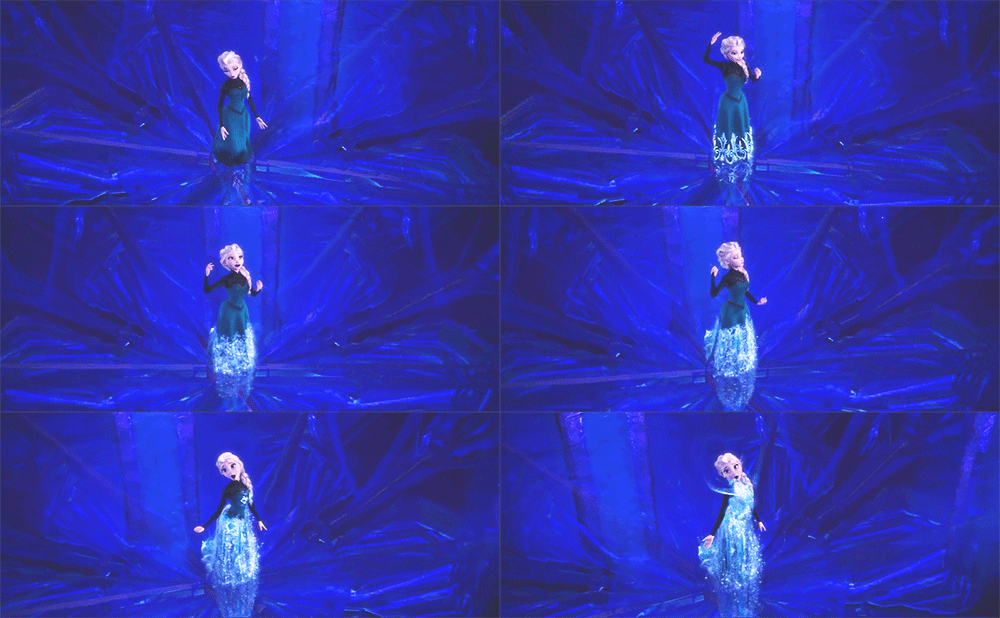
Elsa, crown princess of Arendelle, is born with the elemental ability to create and control ice and snow. As a child, she uses her abilities to create a winter wonderland to play in with her younger sister and best friend, Princess Anna. One night, Elsa accidentally harms Anna with her powers. The king and queen of Arendelle hurriedly take Anna to a tribe of mountain trolls to be healed. While healing Anna, the trolls inform the royal party that Elsa's abilities will grow, becoming both beautiful and very dangerous so she must learn to control them.
REPLACE THIS WITH YOURS. DO NOT TOUCH THE CREDITS THANK YOU
Tutorial: JQuery Top Button
Hai, aku mau kasih tutorial, nih! :)
Credit:
Anugerah Salsa
- Dashboard > Tata Letak > Add a Gadget > HTML/JavaScript
- Copy kode ini
<script type="text/javascript"
src="http://ajax.googleapis.com/ajax/libs/jquery/1.3.2/jquery.min.js"></script><script
type="text/javascript"
>/***********************************************
* Scroll To Top Control script- © Dynamic Drive DHTML code
library(www.dynamicdrive.com)* Modified
byAnugerahSalsa***********************************************/var
scrolltotop={
setting: {startline:100, scrollto: 0, scrollduration:1000,
fadeduration:[500, 100]},
controlHTML: '<img src="URL Top Button"
/>',
controlattrs: {offsetx:5, offsety:5},
anchorkeyword: '#top',
state: {isvisible:false, shouldvisible:false},
scrollup:function(){
if (!this.cssfixedsupport)
this.$control.css({opacity:0})
var dest=isNaN(this.setting.scrollto)? this.setting.scrollto :
parseInt(this.setting.scrollto)
if (typeof dest=="string" && jQuery('#'+dest).length==1)
dest=jQuery('#'+dest).offset().top
else
dest=0
this.$body.animate({scrollTop: dest}, this.setting.scrollduration);
},
keepfixed:function(){
var $window=jQuery(window)
var controlx=$window.scrollLeft() + $window.width() -
this.$control.width() - this.controlattrs.offsetx
var controly=$window.scrollTop() + $window.height() -
this.$control.height() - this.controlattrs.offsety
this.$control.css({left:controlx+'px', top:controly+'px'})
},
togglecontrol:function(){
var scrolltop=jQuery(window).scrollTop()
if (!this.cssfixedsupport)
this.keepfixed()
this.state.shouldvisible=(scrolltop>=this.setting.startline)? true :
false
if (this.state.shouldvisible && !this.state.isvisible){
this.$control.stop().animate({opacity:1}, this.setting.fadeduration[0])
this.state.isvisible=true
}
else if (this.state.shouldvisible==false &&
this.state.isvisible){
this.$control.stop().animate({opacity:0}, this.setting.fadeduration[1])
this.state.isvisible=false
}
},
init:function(){
jQuery(document).ready(function($){
var mainobj=scrolltotop
var iebrws=document.all
mainobj.cssfixedsupport=!iebrws || iebrws &&
document.compatMode=="CSS1Compat" && window.XMLHttpRequest
mainobj.$body=(window.opera)? (document.compatMode=="CSS1Compat"?
$('html') : $('body')) : $('html,body')
mainobj.$control=$('<div
id="topcontrol">'+mainobj.controlHTML+'</div>')
.css({position:mainobj.cssfixedsupport? 'fixed' : 'absolute',
bottom:mainobj.controlattrs.offsety, right:mainobj.controlattrs.offsetx,
opacity:0, cursor:'pointer'})
.attr({title:'Scroll Back to Top'})
.click(function(){mainobj.scrollup(); return false})
.appendTo('body')
if (document.all && !window.XMLHttpRequest &&
mainobj.$control.text()!='')
mainobj.$control.css({width:mainobj.$control.width()})
mainobj.togglecontrol()
$('a[href="' + mainobj.anchorkeyword +'"]').click(function(){
mainobj.scrollup()
return false
})
$(window).bind('scroll resize', function(e){
mainobj.togglecontrol()
})
})
}
}
scrolltotop.init()
</script>
** Ganti kode berwarna merah dengan URL gambar Top Button kamu.
- Paste-kan kode di atas ke ruangan HTML/JavaScript tadi.
- Then, save.
◀ ▶



 Template was fully made by